How It Works
Get started in under 5 minutes
No complex setup. No technical expertise required.
01
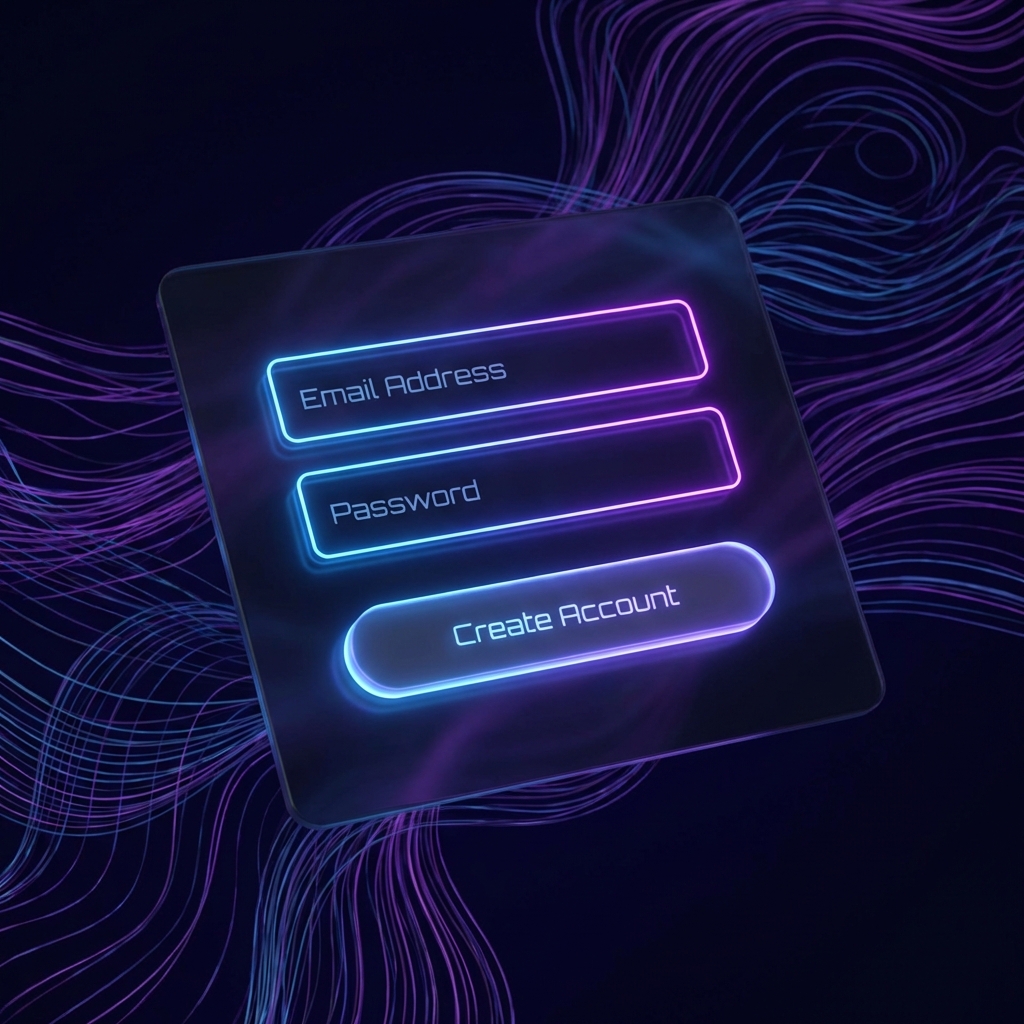
Create Your Account
⏱️ 30 secondsSign up with just your email. No credit card required for the free tier.
- ✓ Enter your email and create a secure password
- ✓ Verify your email address
- ✓ Access your dashboard immediately
02
Add Your Domain
⏱️ 2-5 minutesConnect your custom domain with our guided DNS setup wizard.
- ✓ Enter your domain name
- ✓ Copy our DNS records to your registrar
- ✓ We auto-verify and configure SPF, DKIM, DMARC

03
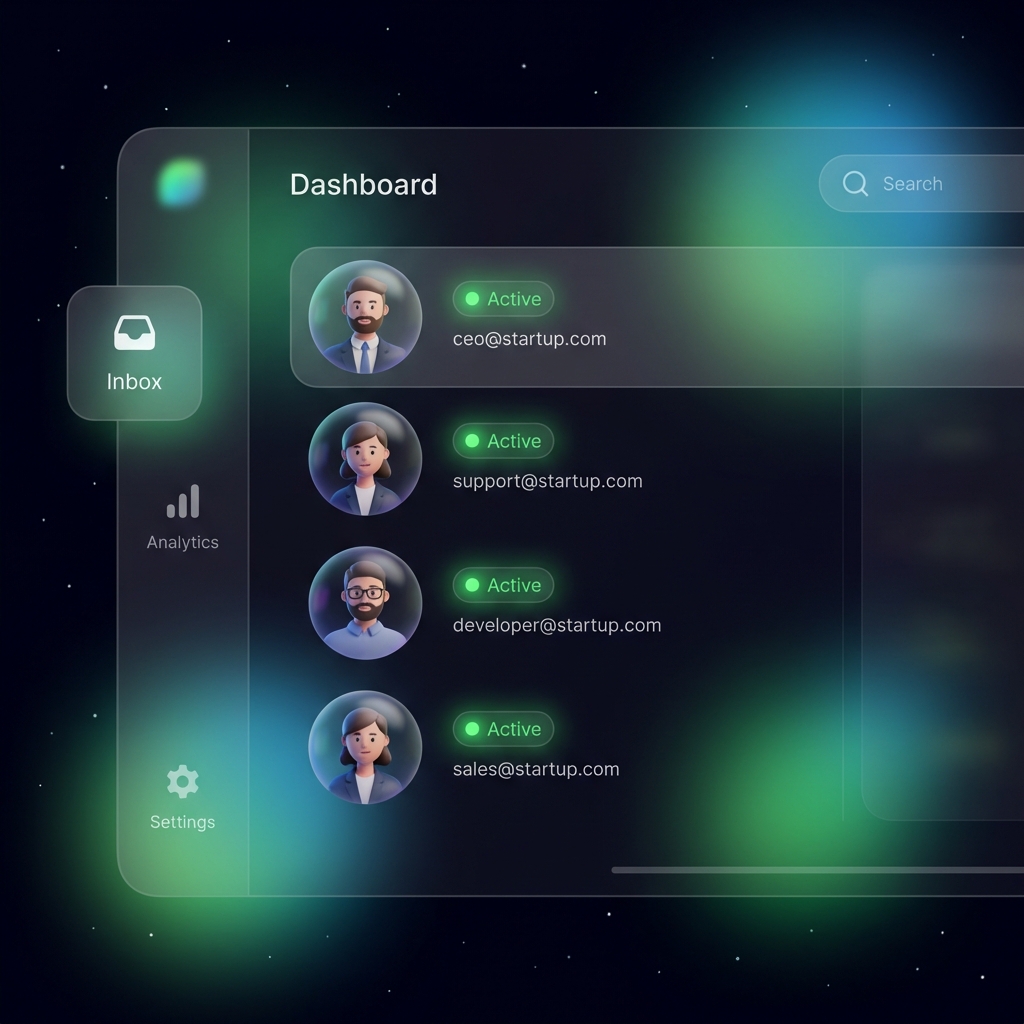
Create Mailboxes
⏱️ 1 minuteSet up email addresses for yourself and your team.
- ✓ Choose your email address (e.g., [email protected])
- ✓ Set a secure password for the mailbox
- ✓ Optionally add aliases and forwarding rules
04
Start Sending & Receiving
⏱️ ImmediateUse our web app, mobile app, or your favorite email client.
- ✓ Access via web at app.paavs.com
- ✓ Connect with IMAP/SMTP to any email client
- ✓ Use our API for programmatic access

Connection Settings
Use these settings to connect any email client:
IMAP (Incoming)
Server:
mail.paavs.com Port:
993 Security:
SSL/TLS SMTP (Outgoing)
Server:
mail.paavs.com Port:
587 Security:
STARTTLS